

Get kitchen staples and gadgets delivered free — and shop member deals
- Fast, free delivery on millions of items
- Access to Prime Big Deal Days deals on October 6–7
- Prime Video, Amazon Music and more included
Key Takeaways
| Common Cause | Food sticking to the bottom or insufficient liquid can trigger the burn error. |
| Immediate Fix | Add more liquid and deglaze the pot before cooking again. |
| Prevention | Use the correct amount of liquid and avoid thick sauces that can burn. |
| Cleaning Tips | Regularly clean the bottom of your Instant Pot to prevent residue buildup. |
Understanding the Burn Error
The burn error occurs when the Instant Pot detects that food is sticking or burning at the bottom. It is a safety feature designed to prevent damage to the appliance and ensure safe operation. Common causes include insufficient liquid, food particles stuck to the heating element, or thick sauces that don’t distribute evenly.
Step 1: Turn Off and Release Pressure
- Press ‘Cancel’ to stop the cooking cycle.
- Carefully turn the steam release valve to ‘Venting’ to release pressure manually.
- Wait until the float valve drops, indicating pressure is released.
Step 2: Open and Inspect the Pot
- Open the lid carefully once all pressure is released.
- Check for food stuck to the bottom or sides of the inner pot.
- Remove any debris or burnt residue with a non-abrasive sponge.
Step 3: Deglaze and Add Liquid
- Add 1-2 cups of water or broth to the inner pot.
- Use a wooden or silicone spatula to scrape the bottom gently, loosening any stuck bits—a process known as deglazing.
- This step ensures sufficient liquid and prevents future burn errors.
Step 4: Restart Cooking
After cleaning and deglazing, close the lid securely. Ensure the steam vent is set to sealing. Restart your cooking cycle and monitor the process to confirm the error does not recur.
Tips and Warnings
- Always use at least 1 cup of liquid for pressure cooking.
- Thick sauces or pastes should be added after the initial pressure is reached, not before.
- Regularly clean the heating element and bottom of the pot to prevent residue buildup.
- Avoid overfilling the inner pot—leave enough space for steam circulation.
The Products in This Guide

Instant Pot 4QT RIO Mini 7-in-1 Multi-Cooker
- ✔ Dimensions: 9.1 x 8.3 x 8.9 inches
- ✔ Power: 1000W
- ✔ Warranty: 1-year limited

AOZITA Steamer Basket
- ✔ Capacity: Two-tier
- ✔ Material: Stainless Steel
- ✔ Compatibility: 6 & 8 Qt models
Instant Pot 4QT RIO Mini 7-in-1 Multi-Cooker
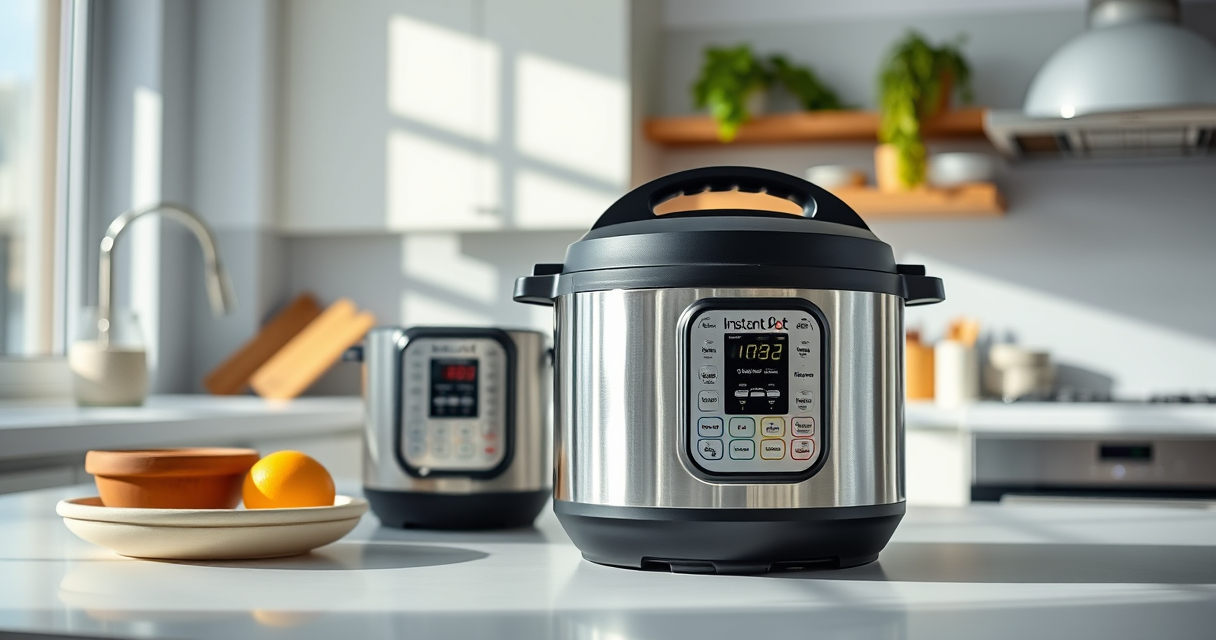
The Instant Pot 4QT RIO Mini offers versatile cooking functions in a compact size, making it ideal for small households. Its anti-spin design helps prevent burning by keeping the pot steady during sautéing and pressure cooking.
Pros:
- 7-in-1 functionality
- Compact and space-saving
- Easy to monitor with progress indicator
- Good for up to 4 servings
Cons:
- Limited capacity for larger families
- Slightly longer cooking times for some recipes
- Requires careful liquid management
Best for: Small families, singles, students seeking versatile, space-efficient cooking
Not ideal for: Large families or those needing bigger capacity
Bottom line: A compact, multifunctional pressure cooker perfect for small kitchens and quick meals.
AOZITA Steamer Basket
The AOZITA Steamer Basket is a great addition for steaming vegetables, eggs, or seafood in your Instant Pot. Its two-tier design maximizes cooking efficiency and allows multiple dishes simultaneously.
Pros:
- Two-tier stackable design
- Made of durable stainless steel
- Compatible with 6 and 8 quart models
- Easy to clean
Cons:
- May require extra space inside the pot
- Some users find stacking less stable with small items
Best for: Steaming, multi-dish cooking, healthy meal prep
Not ideal for: Cooking large quantities or for big families
Bottom line: A versatile steamer basket that boosts your Instant Pot’s cooking options.
Frequently Asked Questions
Can I prevent the burn error in my Instant Pot?
Yes, by ensuring there’s enough liquid in the pot, avoiding thick sauces before pressure builds, and regularly cleaning the bottom of the inner pot.
What should I do if the burn error appears during cooking?
Turn off the Instant Pot, release pressure, open the lid, clean the bottom, add liquid, and deglaze before restarting the cooking cycle.
How much liquid do I need for pressure cooking?
Typically, at least 1 cup of liquid is necessary to generate enough steam and prevent the burn error.
Is it safe to continue cooking after a burn error?
It’s safest to turn off the device, clean and deglaze the pot, then restart the process. Do not ignore the error, as it indicates potential safety issues.
Keep Your Instant Pot Cooking Smoothly
Understanding the causes of the burn error and following these troubleshooting steps can save you time and keep your cooking safe. Regular cleaning, proper liquid levels, and careful recipe adjustments will help prevent future issues, making your Instant Pot a reliable kitchen companion.
Affiliate disclosure: As an Amazon Associate we earn from qualifying purchases. Prices and availability are accurate as of the time of publishing.
Fall Picks
fall essentials
As an affiliate, we earn on qualifying purchases.