If your blender trips the breaker, it could be due to an overload or an electrical fault. Overloading happens when you put too much in the blender or use it beyond its capacity, causing the motor to draw excessive current. Electrical issues like damaged wiring, loose connections, or faulty parts can also cause trips by creating short circuits or ground faults. To fix the problem and prevent future trips, it’s important to identify whether overload or an electrical fault is causing the issue—more details will help you troubleshoot effectively.
Key Takeaways
- Overloading occurs when the motor draws excessive current due to high load or incompatible ingredients, causing breaker trips.
- Electrical problems like damaged wiring, frayed insulation, or loose connections can lead to immediate breaker trips.
- A worn-out motor or damaged blades increase resistance, resulting in overload and potential electrical faults.
- Persistent breaker trips with no load may indicate wiring issues, short circuits, or faulty circuit breakers needing professional inspection.
- Proper maintenance, capacity adherence, and testing help differentiate between overload and electrical faults causing breaker trips.
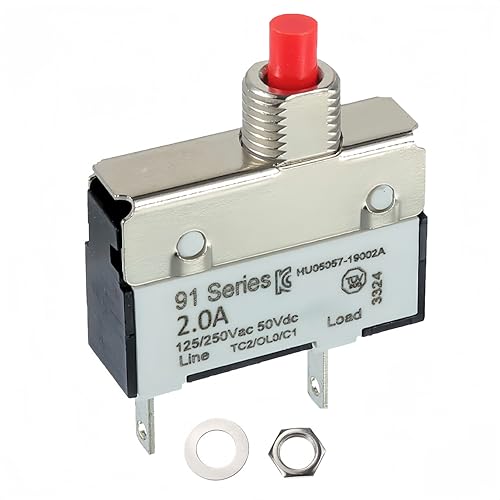
EPLZON 2A 2 Amps 125/250V AC 50V DC Manual Reset Push Button Thermal Circuit Breaker Overload Protection Quick Connect Terminals Switch for Upright Vacuum Cleaner(1Pack)
Product Name:Manual Reset Push Button Switch Thermal Circuit Breaker; Rated Voltage 125/250VAC; 32/50VDC; Rated Current: 2A
As an affiliate, we earn on qualifying purchases.
As an affiliate, we earn on qualifying purchases.
Why Does My Blender Trip the Breaker? Overload or Electrical Fault?
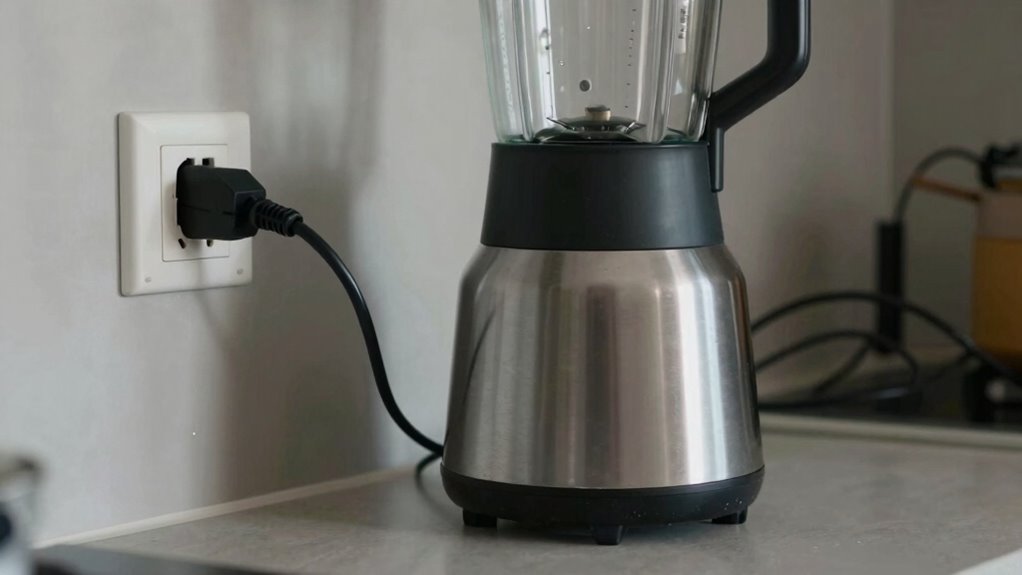
If your blender keeps tripping the breaker, the issue is often related to an overload or an electrical fault. One key factor is the motor specifications; a motor that’s too powerful or not suited for your blender’s design can draw excessive current, causing trips. Additionally, the brand’s reliability plays a role—well-known brands usually build with better safety features and consistent electrical standards. If your blender’s motor isn’t compatible with your home’s electrical system or if it has a defect, it can overload the circuit. Always check the motor specifications and confirm they match your appliance’s capacity. Investing in a reliable brand reduces the risk of electrical issues, as reputable manufacturers prioritize safety and durability. Properly electrical safety standards are essential for ensuring your appliances operate safely and prevent circuit overloads. Understanding these factors helps prevent unnecessary breaker trips, especially when considering electrical wiring and circuit capacity in your home. Ensuring your home’s electrical system is capable of handling high loads can prevent overloads and circuit overloads. Additionally, being aware of electrical load capacity can help you identify when your circuit may be approaching its limit.

Manual Reset Thermal Overload Protector 1.5A 125/250V AC 50V DC Push Button Circuit Breaker for Blenders Vacuum Cleaners Microwaves, 2-Pack
MANUAL RESET FUNCTION: Quickly restore power after overload with a simple button press, minimizing downtime for your appliances…
As an affiliate, we earn on qualifying purchases.
As an affiliate, we earn on qualifying purchases.
How Can I Tell if My Blender Is Overloading or There’s an Electrical Issue?
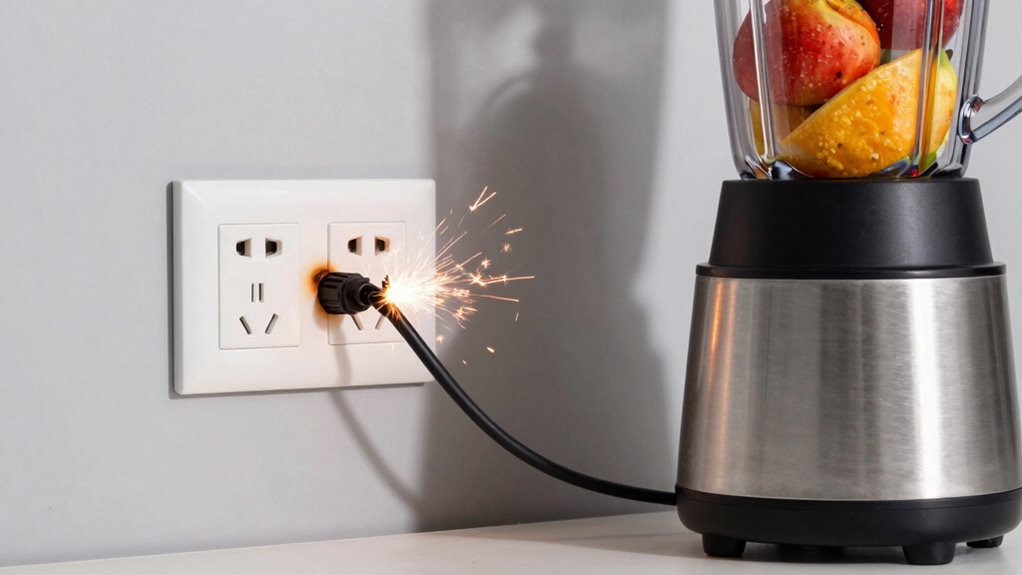
You can tell your blender is overloading or experiencing an electrical issue if it suddenly stops working during use, trips the breaker frequently, or produces unusual noises or smells. Pay attention to noise levels—loud, grinding sounds may indicate motor strain or a problem with blade sharpness, causing the motor to work harder. If your blades are dull or damaged, they cause more resistance, increasing the risk of overload. Conversely, electrical issues often produce consistent buzzing or humming noises without load, or cause the breaker to trip even with light loads. Smells of burning or overheating also point to electrical faults. By noting these signs—especially abnormal noise levels and blade performance—you can better identify whether your blender is overloaded or has an electrical problem. Additionally, understanding electrical safety can help prevent further damage or hazards associated with electrical faults, as addressing electrical faults promptly can reduce the risk of fire or damage to your appliance. Being aware of overload symptoms can also help you avoid pushing your appliance beyond its limits, which may cause more serious issues.

ZOOKOTO 2Pack 125/250V AC 50V DC Manual Reset Push Button Thermal Circuit Breaker 2Amp,Overload Protection Quick Connect Terminals Switch 2A for Upright Vacuum Cleaner Juicer Meat Coffee Grinder
The DC circuit breaker is made of wear-resistant materials, which are anti-oxidation, corrosion-resistant and wear-resistant, ensuring long service…
As an affiliate, we earn on qualifying purchases.
As an affiliate, we earn on qualifying purchases.
Signs Your Blender Is Overloaded and What to Do About It
Recognizing when your blender is overloaded is essential to prevent damage and guarantee safety. Look for signs like the motor overheating, a burning smell, or the blender shutting off unexpectedly during use. If the motor sounds strained or if the blender trips the breaker frequently, these are clear indicators of overload. Regular blender maintenance can help identify issues early, such as jammed blades or overfilled containers, which contribute to overload. Ignoring these signs risks damaging your appliance and compromising safety. To avoid this, always operate your blender within recommended capacity limits and keep it clean. Proper appliance safety practices and operation within capacity can help prevent electrical problems and extend the lifespan of your appliance. Additionally, understanding the electrical system of your home can help prevent overloads caused by circuit issues. If overload persists, unplug the device, let it cool, and inspect for obstructions. Monitoring for overloading and ensuring proper maintenance can help prevent electrical problems and extend the lifespan of your appliance. Checking the circuit breaker regularly can also help identify potential electrical issues before they cause problems. Being aware of signs of electrical issues can further safeguard your appliances and home wiring.

Klein Tools 69355 Digital Multimeter Premium Electrical Test Kit with Non-Contact Voltage Tester, Receptacle Tester, Test Leads
CONVENIENT FEATURES: CATIII 600V safety rated and test leads included for Digital Multimeter Cat. No. MM320; All required…
As an affiliate, we earn on qualifying purchases.
As an affiliate, we earn on qualifying purchases.
Common Electrical Problems That Cause Breaker Trips When Using Your Blender
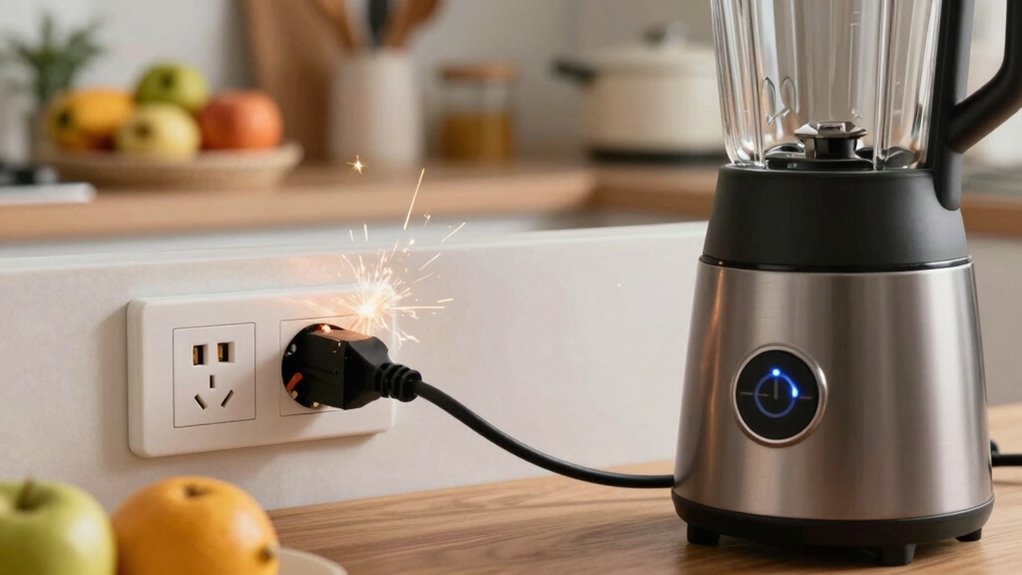
You might trip your breaker because of a circuit overload or faulty wiring in your home. Damaged blender components can also cause electrical issues that trip the breaker unexpectedly. Recognizing electrical safety guidelines is essential to avoid hazards and ensure proper handling of electrical devices, especially when dealing with home electrical systems. Additionally, poor circuit design can contribute to frequent breaker trips when using high-power appliances like blenders.
Circuit Overload Risks
Ever wonder why your circuit trips whenever you run your blender? One common reason is circuit overload, which happens when too many appliances draw power from the same outlet or circuit. Overloading can strain electrical components, increasing the risk of breaker trips and potential hazards. To prevent this, proper appliance maintenance is essential; avoid plugging multiple high-wattage devices into the same outlet. Overloading not only disrupts your blender’s operation but also compromises electrical safety. If your circuit frequently trips, it might be a sign to redistribute your appliances or upgrade your wiring. Staying mindful of load limits helps protect your home and ensures your blender functions smoothly without risking electrical issues. Regularly inspecting your electrical system can help identify electrical problems before they cause more serious issues. Additionally, understanding circuit capacity can help you manage appliance usage better and prevent overloads. Always prioritize safety and avoid overburdening your circuits to prevent unnecessary breaker trips. Being aware of load limits can also aid in maintaining a safe and efficient electrical setup.
Faulty Wiring Issues
Faulty wiring is a common culprit behind breaker trips when using your blender, especially if the wiring isn’t up to code or has deteriorated over time. Poor wiring can cause short circuits, leading to sudden breaker trips and risking electrical hazards. Regular appliance maintenance includes inspecting wiring safety to prevent such issues. Faulty wiring may exhibit signs like frayed insulation, loose connections, or scorch marks around outlets. These problems not only disrupt your blender’s operation but also pose fire risks. Addressing wiring issues promptly helps ensure safe and efficient appliance use. By maintaining proper wiring, you reduce the chances of breaker trips caused by electrical faults. Additionally, thermal behavior issues can contribute to overheating and electrical failures in appliances. Proper circuit overload protection can help prevent these electrical failures and safeguard your home’s wiring system. It’s also important to consider electrical code compliance to ensure all wiring meets safety standards. Keep an eye out for signs of deterioration and schedule professional inspections to keep your electrical system reliable and safe.
Damaged Blender Components
Have damaged or worn-out components inside your blender caused breaker trips during operation? If so, the blender motor might be struggling to handle the load, leading to electrical issues. Over time, the motor’s windings can wear out or short-circuit, increasing the risk of overload and tripping the breaker. Similarly, a damaged blade assembly can cause imbalance or resistance, forcing the motor to work harder than it should. If the blades are bent, dull, or jammed, they create extra strain on the motor, which can trip the breaker to prevent damage. Regularly inspect both the blender motor and blade assembly for signs of wear or damage. Replacing faulty parts promptly guarantees your blender operates smoothly without causing electrical problems. Understanding the energy consumption of your appliance can also help identify potential overload issues before they cause a breaker trip.
Simple Tests to Check if Your Blender Is Overloaded or Has an Electrical Fault
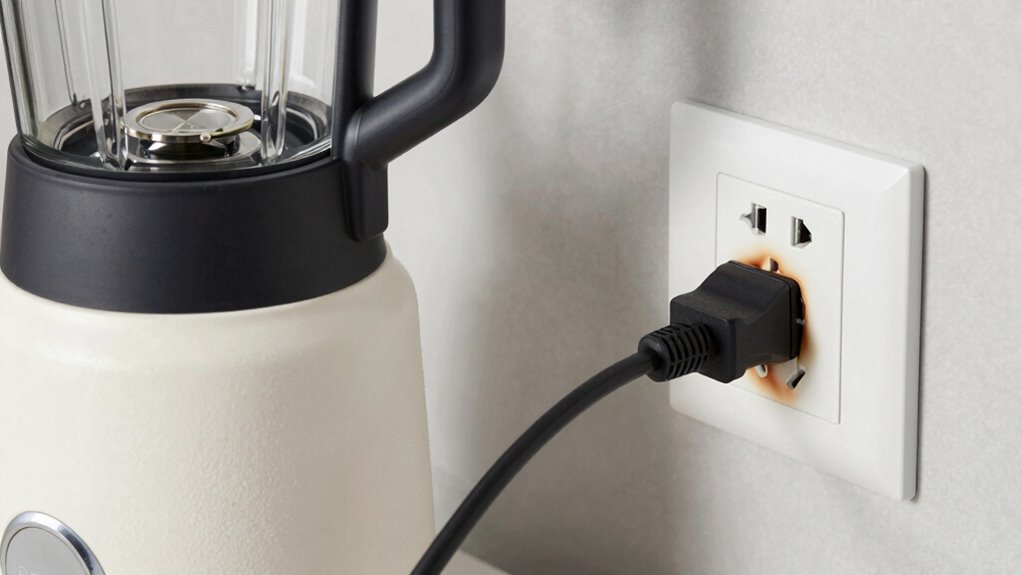
To determine if your blender is overloaded or has an electrical fault, start with some simple tests. First, unplug the blender and inspect the cord and plug for damage. Next, plug it into a different outlet to check outlet compatibility and see if the breaker still trips. If you notice a power surge when turning it on, that could indicate an electrical issue. Then, run the blender with a small amount of ingredients; if it trips immediately, it might be overloaded. Ultimately, listen for unusual noises or burning smells, which suggest electrical problems. These quick checks help identify whether the breaker trips due to overload or an electrical fault, saving you time and preventing further damage.
How to Fix Overload Trips and Electrical Faults in Your Blender Safely
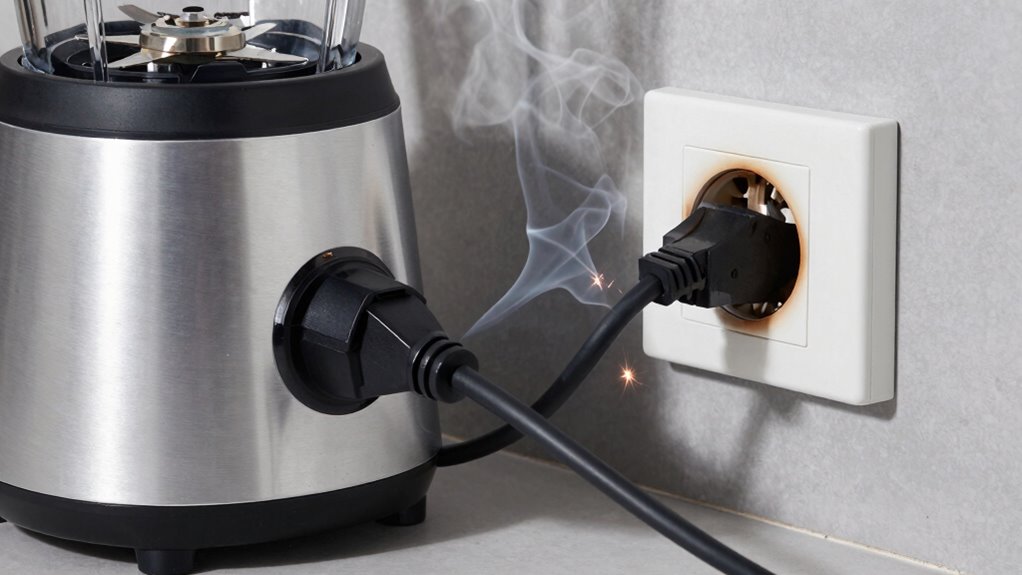
When your blender keeps tripping the breaker, you can often fix the issue safely at home by following some straightforward steps. First, unplug the blender and let it cool down if it’s been used intensively, as overheating can cause motor failure and trip the breaker. Check the power cord for any damage or signs of a power surge, which can overload the motor and trigger trips. If your blender has a reset button, press it to clear any electrical faults. Ensure the container isn’t overloaded or jammed, as this can cause strain on the motor. If the breaker continues to trip, avoid forcing the appliance; instead, consider replacing damaged parts or consulting a professional. This approach helps prevent further damage while maintaining safety.
When to Call an Electrician for Breaker Trips or Appliance Problems
Recognizing when to call an electrician is essential, especially if breaker trips or appliance issues persist despite your troubleshooting efforts. If your blender keeps tripping the breaker after checking for overloads, or if you notice frequent power surges, it’s time to seek professional help. Ignoring these signs can lead to electrical hazards or further damage. You should call an electrician if you experience persistent breaker trips, flickering lights, a burning smell near outlets, or if maintenance tips like resetting the breaker don’t resolve the issue. Electrical problems may be caused by faulty wiring or a failing breaker, which require professional diagnosis and repair. Don’t delay, as addressing these issues promptly keeps your home safe and prevents costly repairs.
Tips to Prevent Your Blender From Tripping the Breaker in the Future
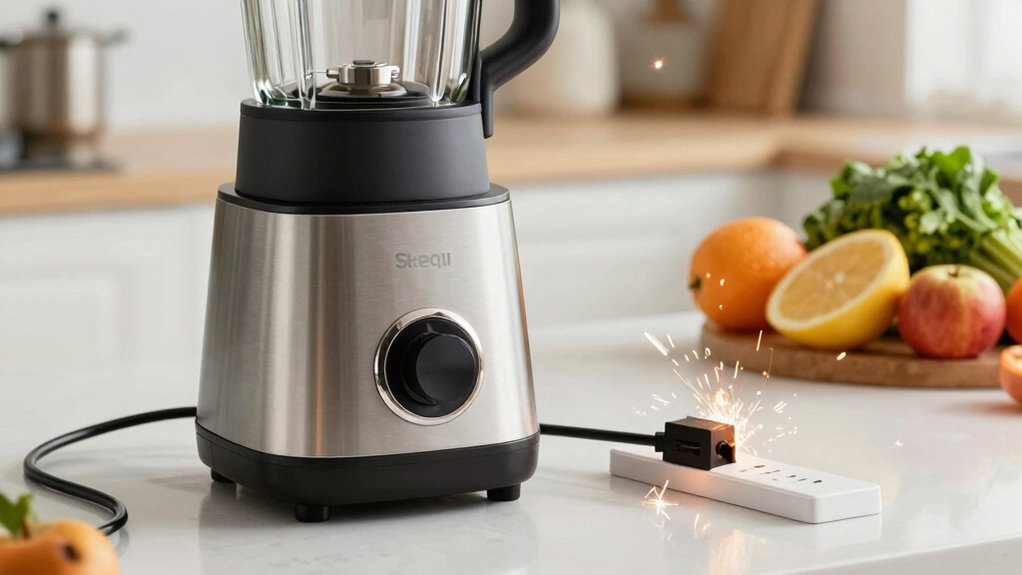
If your blender frequently trips the breaker, taking proactive steps can help prevent future issues. Regular blender maintenance is essential; clean the blades and container to prevent strain on the motor and ensure smooth operation. Avoid overloading the blender with ingredients beyond its capacity, which can cause electrical overloads. Use the correct outlet – ideally a dedicated circuit – to reduce the risk of power surges. Inspect the power cord for damage and replace it if needed to maintain appliance safety. Also, don’t run the blender continuously for extended periods; give it time to cool down. These simple tips help keep your appliance safe, prolong its lifespan, and minimize the chances of breaker trips caused by overloads or electrical faults.
Key Differences Between Overloading and Electrical Faults Causing Breaker Trips
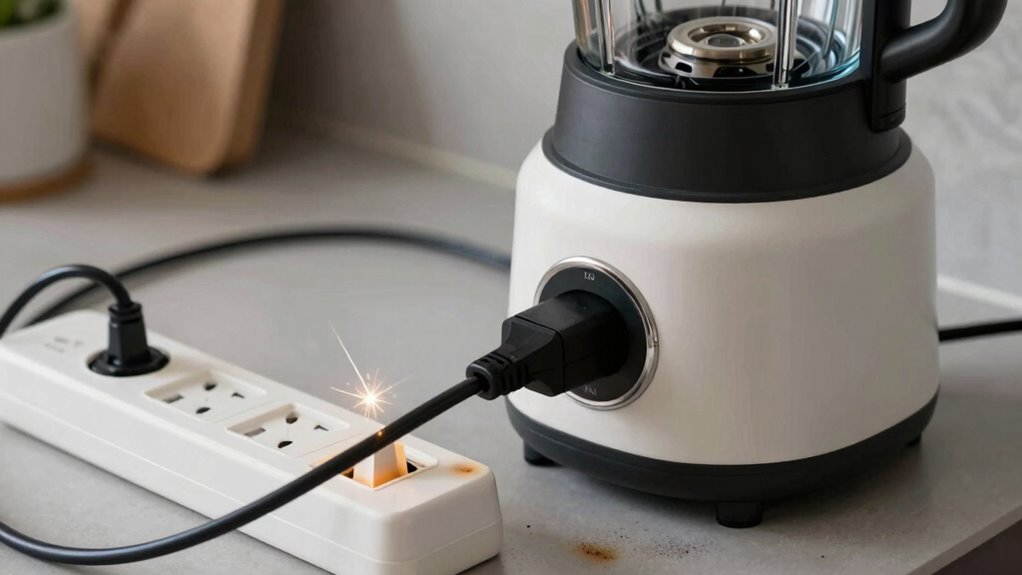
Understanding the key differences between overloading and electrical faults is essential for diagnosing breaker trips caused by your blender. Overloading occurs when your appliance draws more current than the circuit’s capacity, often due to high power demands or multiple devices running simultaneously. Electrical faults, like short circuits or ground faults, involve a sudden power surge due to issues within the wiring or circuit design, causing the breaker to trip immediately. Recognizing these distinctions helps you determine whether to reduce load or inspect wiring.
Overloading causes delayed trips; electrical faults trigger immediate breaker trips.
- Overloading results from excessive current draw exceeding circuit capacity
- Electrical faults involve unintended contact between live parts and ground or neutral
- Power surges often stem from faulty circuit design or external sources
- Breaker trips due to overload tend to be delayed, faults cause immediate trips
Quick Troubleshooting Checklist for Blender Breaker Trips
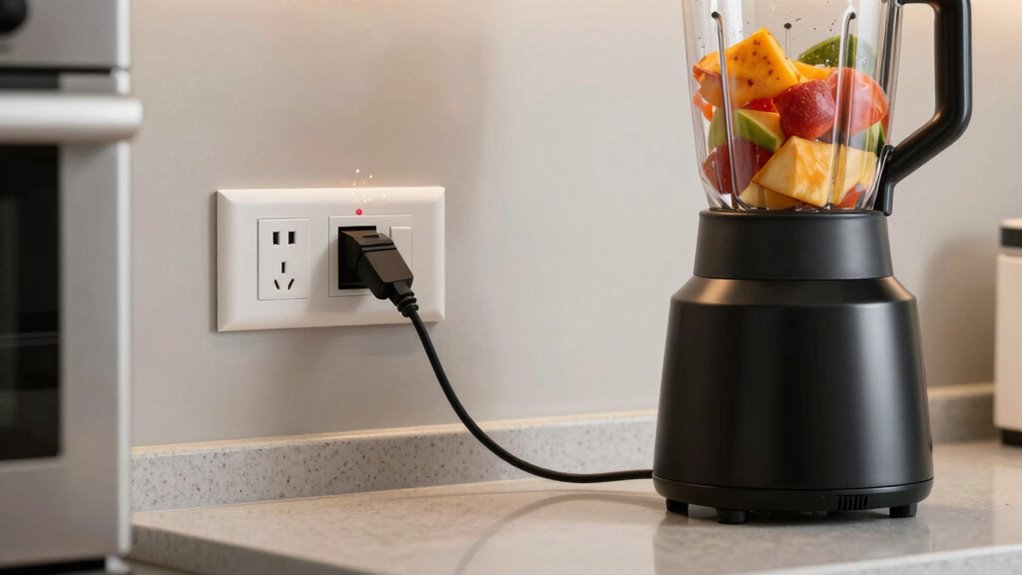
Start by checking your power source to make certain it’s working properly. Then, inspect the blender’s cord for any damage or loose connections. Finally, test your circuit breaker to see if it’s tripping due to an overload or fault.
Check Power Source
Before diving into more complex troubleshooting, you should check the power source to guarantee your blender is properly connected. Make certain the outlet provides consistent power and is compatible with your blender’s plug. Faulty outlets or incompatible ones can cause trips or prevent the blender from functioning correctly.
- Verify the outlet is working by plugging in another device
- Check for visible damage or loose connections in the outlet
- Ensure your blender’s plug fits securely and isn’t loose
- Test the outlet with a voltage tester if unsure about compatibility
Addressing these basics helps rule out simple power issues that could cause breaker trips. Confirming the power source and outlet compatibility is a vital first step before moving on to more detailed inspections.
Inspect Blender Cord
After confirming the power source and outlet are functioning correctly, it’s time to examine the blender’s cord. Start with a thorough cord inspection, checking for any visible damage like cuts, frays, or exposed wires. Damaged cords can cause electrical shorts, leading to breaker trips. Next, ensure the plug is secure and fits snugly into the outlet—loose or damaged plugs can compromise safety and cause issues. Look for bent or broken prongs, as these can interfere with proper connection and safety. Avoid using a cord with any signs of wear or damage. If you notice any defects, replace the cord immediately. Remember, plug safety is essential for both your safety and preventing electrical problems that could trip your breaker.
Test Circuit Breaker
Wondering if the circuit breaker is the culprit behind your blender’s repeated trips? To test if it’s the breaker, reset it and observe if it trips again during normal use. You might experience a power surge or degraded circuit insulation, causing frequent trips.
- Check for any visible damage or burn marks on the breaker
- Use a multimeter to test the breaker’s continuity
- Turn off the power, then carefully remove and inspect the breaker
- Consider replacing the breaker if it’s old or faulty
If the breaker trips even without the blender plugged in, it likely signals an electrical issue or a compromised circuit insulation. Proper testing helps identify whether the breaker itself is faulty or if other electrical problems are causing the trips.
Frequently Asked Questions
Can a Damaged Power Cord Cause My Blender to Trip the Breaker?
Yes, a damaged power cord can cause your blender to trip the breaker. Power cord damage often leads to an electrical fault, such as exposed wires or short circuits, which can overload the circuit and trip the breaker. If you notice frayed or damaged cords, stop using the blender immediately and have the cord repaired or replaced to prevent further electrical issues and guarantee safe operation.
Does the Age of My Blender Affect Its Likelihood to Trip the Breaker?
Did you know that most blenders last about 8-10 years? As your blender ages, electrical wear can cause it to draw more power or malfunction, increasing the chances of tripping the breaker. A longer lifespan means components may weaken or deteriorate, making electrical issues more common. So, if your blender is getting old, it’s worth checking for electrical problems or considering a replacement to prevent breaker trips.
Are Specific Blender Models More Prone to Electrical Faults?
Some blender models are more prone to electrical faults due to model-specific issues, which can cause breaker trips. You should check if your blender’s manufacturer has issued recalls, as these often address known safety concerns. Certain brands or models may have design flaws or faulty components that increase the risk of electrical problems, so researching your specific blender model can help you identify potential hazards and avoid breaker trips.
How Often Should I Have My Blender’s Wiring Inspected Professionally?
You should have your blender’s wiring inspected professionally every 1-2 years to guarantee electrical safety. Studies show that electrical faults cause around 30% of household fires, highlighting the importance of regular inspections. By maintaining an appropriate Inspection frequency, you reduce the risk of electrical issues and potential hazards. Don’t wait for problems; proactive checks help keep your appliances and home safe, giving you peace of mind.
Can Using a Power Strip Increase the Risk of Breaker Trips With My Blender?
Using a power strip can increase the risk of breaker trips with your blender because it may exceed the electrical outlet capacity. Power strip safety is vital; overloading it causes excess current, which trips the breaker. Always plug your blender directly into a properly rated outlet to avoid overloads. If you notice frequent trips, check the outlet’s capacity and consider reducing the load on the circuit to prevent electrical issues.
Conclusion
To keep your blender running smoothly, it is crucial to identify whether overloads or electrical issues cause breaker trips. Did you know that nearly 30% of breaker trips are due to electrical faults rather than overloads? Regularly checking your appliance and wiring can prevent unexpected outages and electrical hazards. By understanding the differences and acting promptly, you’ll avoid costly repairs and keep your kitchen safe. Stay vigilant, and your blender will serve you reliably for years to come.