The biggest timing mistake people make with microwave popcorn is cooking it too long, causing kernels to burn before they’re fully popped. Microwave heat builds quickly, and if you ignore the popping sounds or set the timer too high, you’ll end up with burnt popcorn. To avoid this, listen for the pops to slow down and stop once there’s a 2-second gap between pops. Keep going, and you’ll discover more tips to perfect your popcorn every time.
Key Takeaways
- Many people set microwave times too long, causing kernels to overheat and burn before popping finishes.
- Ignoring the popping rhythm and stopping too late leads to burning popcorn.
- Using high power levels instead of recommended lower settings accelerates burning.
- Not listening for the slowing of pops results in overcooking and burnt pieces.
- Overloading the bag or adding oily seasonings creates uneven heating, increasing burn risk.
Why Does Microwave Popcorn Burn So Fast?

Microwave popcorn burns so fast mainly because of how quickly the heat builds up inside the bag. This rapid heating is tied to popcorn chemistry, where the moisture inside the kernels turns to steam, causing them to pop. However, if the heat becomes too intense or uneven, the outer layers can burn before the entire batch is properly popped. Understanding microwave safety is vital here—you need to monitor cooking times carefully. Overexposure can lead to burnt popcorn and potential fire hazards. Microwaves vary in power, so what works for one might burn for another. To prevent burning, listen for the popping to slow down and avoid leaving the bag in too long. This guarantees both safety and peak popcorn quality. Additionally, temperature control features in some microwaves can help regulate heat more precisely, reducing the risk of burning. Proper microwave usage techniques are essential to ensure even cooking and avoid scorching. Using timing adjustments based on microwave wattage can further help prevent overcooking and burning. Being aware of popcorn moisture content can also influence how quickly the popcorn burns, as drier kernels tend to scorch more easily. Moreover, understanding heat distribution within your microwave can help in achieving more consistent results and avoiding hot spots that cause burning.
The Science of How Popcorn Pops and Burns in the Microwave
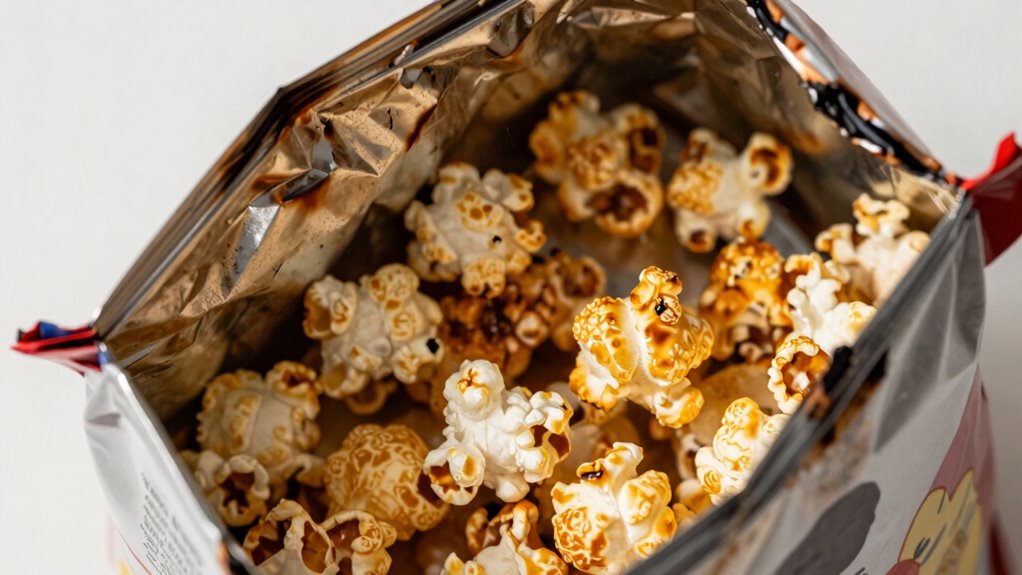
When you microwave popcorn, the heat rapidly causes the moisture inside each kernel to turn into steam, building pressure until the kernel explodes. This process is driven by microwave physics, which heats unevenly and quickly. As the pressure increases, the kernel undergoes kernel expansion, transforming from a dense seed into fluffy popcorn. If the heat persists, the moisture inside can burn, especially if the timing is off. Microwave heating can cause hot spots that lead to uneven popping and burning.
Common Mistakes That Cause Burnt Microwave Popcorn
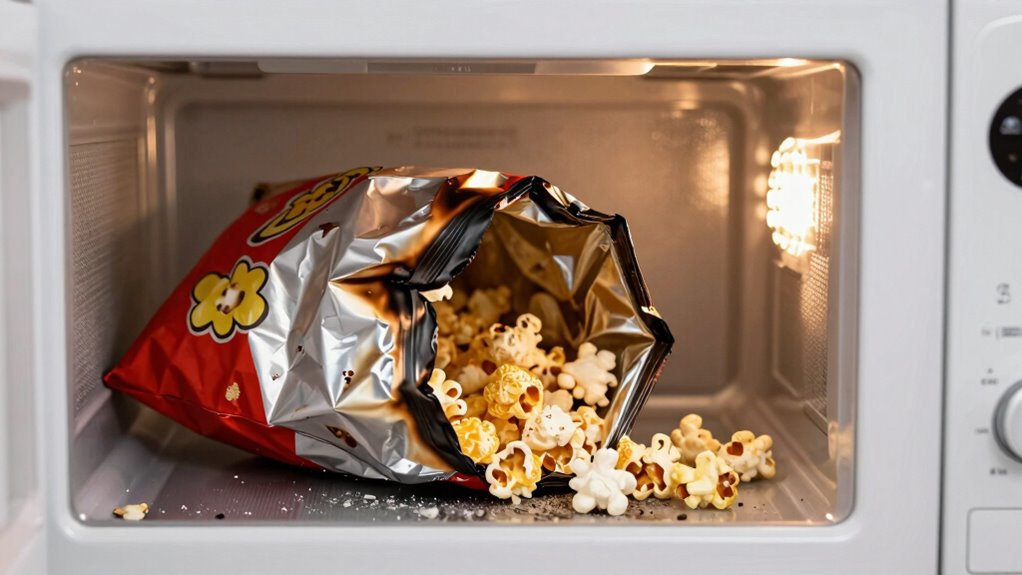
One common mistake that leads to burnt microwave popcorn is overcooking it by setting the time too long or not paying attention to the popping sounds. When you ignore the sound cues, you risk burning the popcorn and creating a smoky mess. Additionally, adding too much popcorn seasoning or oily toppings can cause uneven heating, increasing the chances of burning. Always remember to follow microwave safety guidelines, such as using microwave-safe containers and avoiding metal or foil. Overly seasoned popcorn can also interfere with proper popping, making it harder to judge when to stop. Pay close attention to the popping rhythm, and remove the bag promptly once popping slows. This prevents overcooking and ensures your popcorn is delicious without being burnt. Proper microwave popcorn techniques can help you achieve the perfect snack every time.
How to Time Microwave Popcorn for Perfect Results
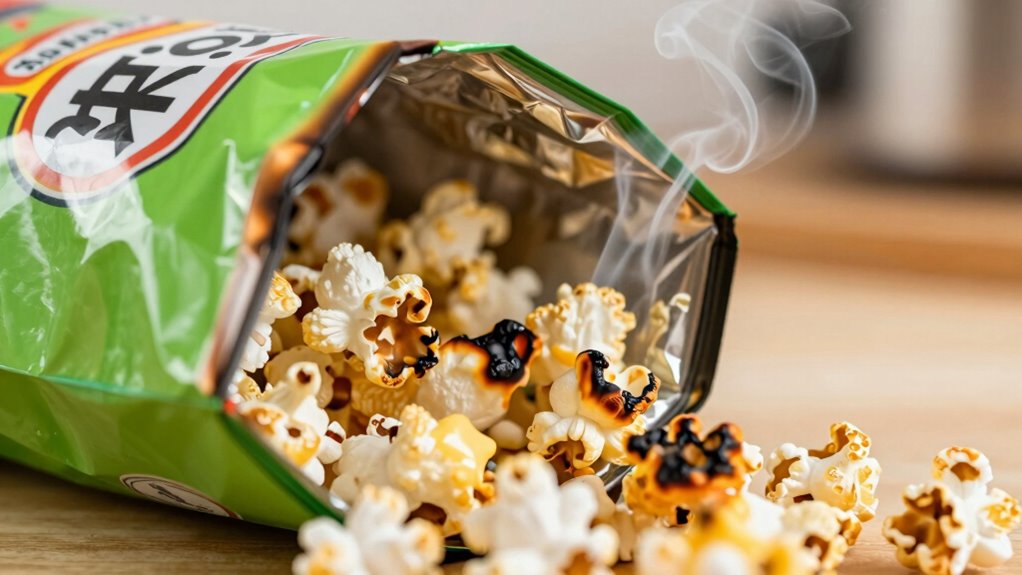
Timing your microwave popcorn correctly is the key to achieving perfect, fluffy results without burning. To do this, start with the recommended time on the popcorn bag, but stay attentive. Listen carefully to the popping sounds—the ideal moment is when the pops slow to about 2 seconds apart. Avoid overcooking to prevent burning and preserve your popcorn flavor. Use a microwave with a turntable for even heating and ensure microwave safety by not leaving it unattended. Keep in mind, different microwave wattages may require slight adjustments. For best results, experiment with small batches until you find the perfect timing. This way, you’ll enjoy delicious popcorn that’s flavorful, light, and perfectly popped every time.
Listening for the Pop: When to Stop the Microwave
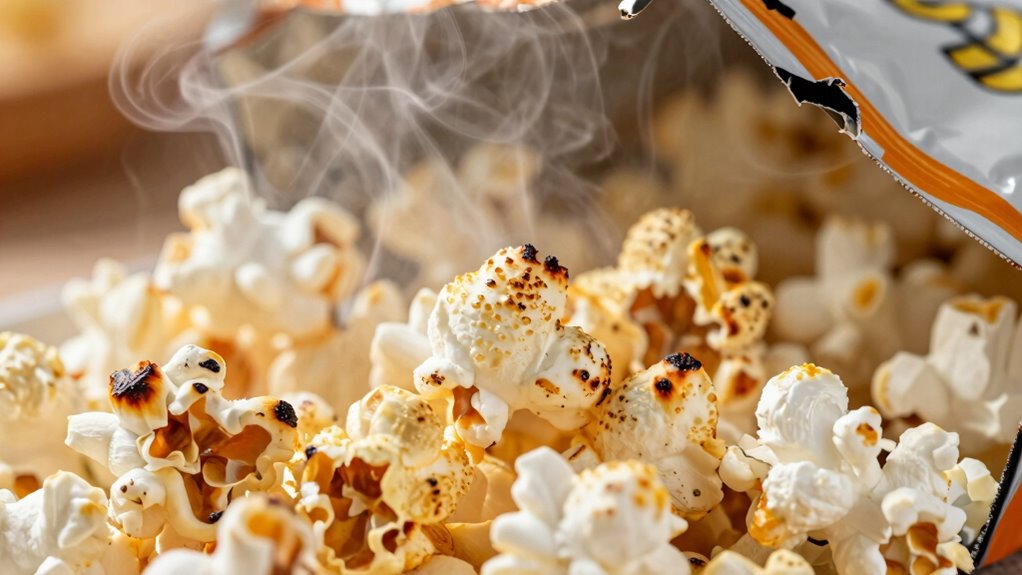
Listening carefully during popping to catch the last few kernels is essential. When the pops slow to about one every one or two seconds, it’s time to stop the microwave. Trust your ear and avoid overcooking, or you’ll end up with burnt popcorn. Making better decisions can help prevent overcooking and improve overall results. Paying attention to popcorn texture can also guide you in timing your stop for optimal crunch. Additionally, understanding home energy principles can help you use appliances like the microwave more efficiently and safely.
Recognize the Last Pop
How can you tell when the popcorn is ready without overcooking it? The key is recognizing the last pop, which signals it’s time to stop. As popcorn freshness decreases, kernels pop less frequently, so listening closely becomes even more important. Keep in mind your microwave wattage, as higher wattage will pop kernels faster, making timing tricky. To spot the last pop:
- The interval between pops extends beyond 2 seconds
- No new pops for several seconds
- The popping sounds slow down considerably
- The bag feels lighter when shaken gently
- The aroma of popped corn is strong, but popping has mostly stopped
Being attentive to microwave power levels can help you better estimate the optimal popping time. Additionally, understanding popcorn moisture content is crucial, as drier kernels tend to pop less uniformly and can lead to burning if not timed properly.
Avoid Overcooking the Kernels
Listening carefully to the popping sounds is the best way to prevent overcooking your popcorn. When kernels lose too much moisture, they’re prone to burning quickly. High microwave wattage can speed up the process, making it easy to overcook if you’re not attentive. To avoid this, pay close attention to the pace of the pops. Once the popping slows to about 1 to 2 seconds between pops, it’s a sign to stop the microwave. Overcooking occurs when you ignore these cues, especially if your microwave runs hot or your popcorn has low kernel moisture. Adjust your timing based on your microwave’s wattage and the popcorn’s moisture content. This will help you achieve fluffy popcorn without burning it, ensuring the best snack every time. Additionally, understanding the timing implications of your microwave can further improve your popcorn results.
Trust Your Ear
Ever wonder why many seasoned popcorn lovers rely on their ears rather than timers? It’s because the popcorn aroma and the sound of popping give real-time cues. As the pops slow down to about 2-3 seconds apart, it’s a signal to stop the microwave, ensuring microwave safety and preventing burning. Listening closely helps you avoid overcooking, which can produce a burnt smell and compromise flavor. Trusting your ears means you’re attuned to the natural rhythm of popping, not just a preset timer. Incorporating sound cues and digital literacy strategies based on sound cues can enhance your popcorn results. Paying attention to the market trends of popcorn popping can help you refine your timing further. The faint, steady pop of kernels—the diminishing frequency of pops—the subtle silence between pops—the smell of warm, toasted popcorn aroma—the absence of sizzling or burning sounds, and understanding repair fundamentals can help when equipment malfunctions unexpectedly.
How to Use Power Settings and Popping Methods Effectively
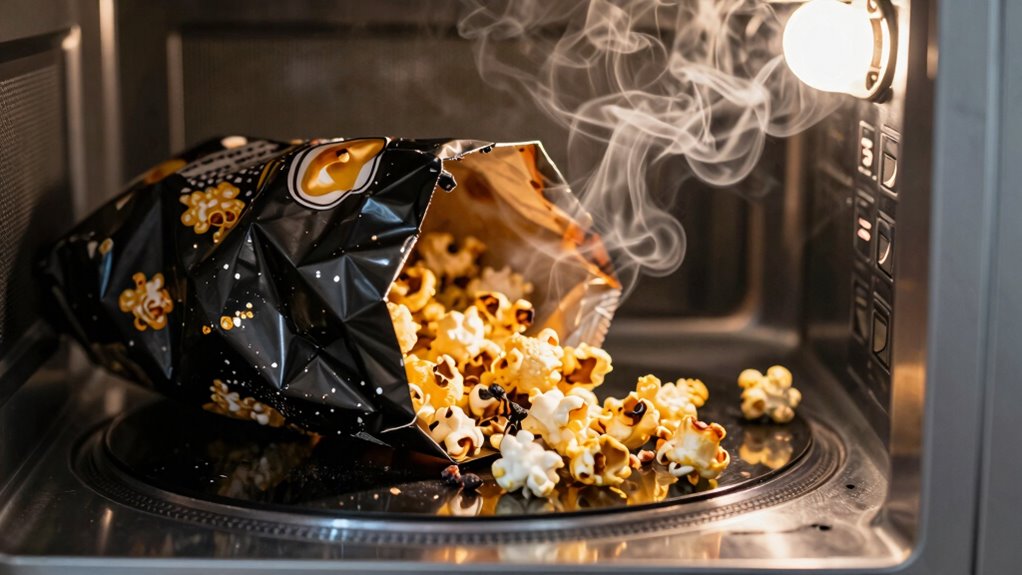
To prevent burning your popcorn, start by adjusting the power levels on your microwave to a medium or low setting. Choose a popping method that matches your microwave’s features, and keep a close eye on the popping progress. Monitoring these factors guarantees you get fluffy popcorn without risking a burnt batch. Additionally, understanding the importance of smart appliances can help you select models with precise power control for better results, especially those with adaptive power settings designed for optimal cooking performance. Utilizing microwaves with power regulation features can further reduce the risk of overcooking or burning your popcorn. Properly load planning your popcorn and microwave settings can make a significant difference in achieving perfect results.
Adjust Power Levels
Adjusting the power level on your microwave is essential for popping popcorn safely and effectively. Your microwave’s power settings control the microwave wattage, impacting how evenly and thoroughly the popcorn pops. Lower power levels give you more control over the heat, reducing the risk of burning. To optimize popping, consider these key points:
- Set your microwave to 50-70% power for gentle, even heating
- Use the sensor or popcorn setting if available
- Adjust timing based on your microwave wattage
- Avoid high power for extended periods, which can cause burning
- Experiment with power levels to find the perfect balance for your popcorn brand
- Understanding microwave wattage helps you tailor your cooking times for better results
Choose Appropriate Popping Method
Choosing the right popping method is essential for guaranteeing your popcorn turns out perfectly without burning. Different popping techniques, like microwave, stovetop, or air popper, require specific adjustments in power settings and timing. When using a microwave, selecting the appropriate power level based on your popcorn varieties helps prevent burning and assures even popping. For example, thinner kernels or specialty popcorn might need lower power to avoid scorching. Stovetop methods give more control over heat, allowing you to adjust the flame or heat level. Understanding how various popcorn varieties respond to different popping techniques helps you choose the best method for perfect results. Tailoring your approach minimizes burnt kernels and maximizes fluffy, delicious popcorn.
Monitor Popping Progress
Monitoring the popping process closely is key to preventing burnt kernels and achieving perfectly fluffy popcorn. By paying attention, you guarantee your popcorn flavor stays fresh and your microwave safety isn’t compromised. Use the popcorn button or set a custom timer based on your microwave’s power level. Listen for the popping to slow to 2-3 seconds between pops—this signals it’s time to stop. Avoid opening the microwave early, which can cause uneven popping. Instead, stay nearby and watch for signs of over-popping or burning.
- Watch the kernels rise and burst for signs of completion
- Adjust power settings for different popcorn flavors or microwave models
- Keep a close ear on the popping sound
- Use microwave-safe containers to prevent accidents
- Remove popcorn promptly to prevent burning
Top Tips to Prevent Burnt Microwave Popcorn
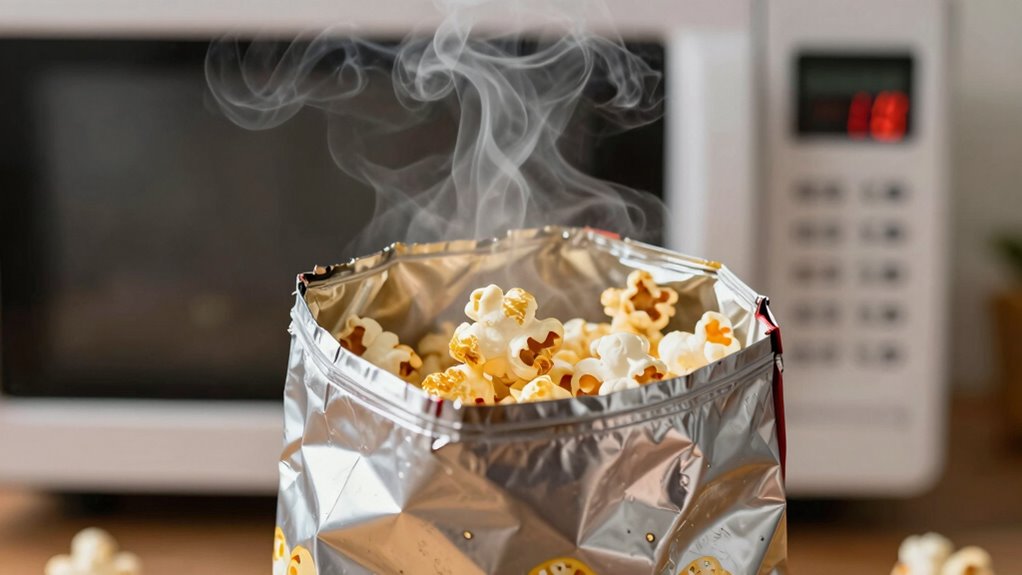
To prevent burnt microwave popcorn, start by following the recommended cooking times and listening carefully for the popping to slow down. This guarantees you don’t overheat the popcorn, which can ruin its flavor and texture. Use a microwave-safe popcorn bag or container to maintain microwave safety and avoid fire hazards. Adjust the power level if your microwave tends to cook unevenly—lower settings help prevent burning. Keep an eye on the popcorn’s aroma and sound, stopping the microwave as soon as the popping slows. Choosing the right popcorn flavor can also influence cooking time; some flavors may pop faster or slower. By following these tips, you’ll enjoy perfectly popped popcorn without risking burnt snacks or safety issues.
What to Do If Your Popcorn Burns Despite Precautions?
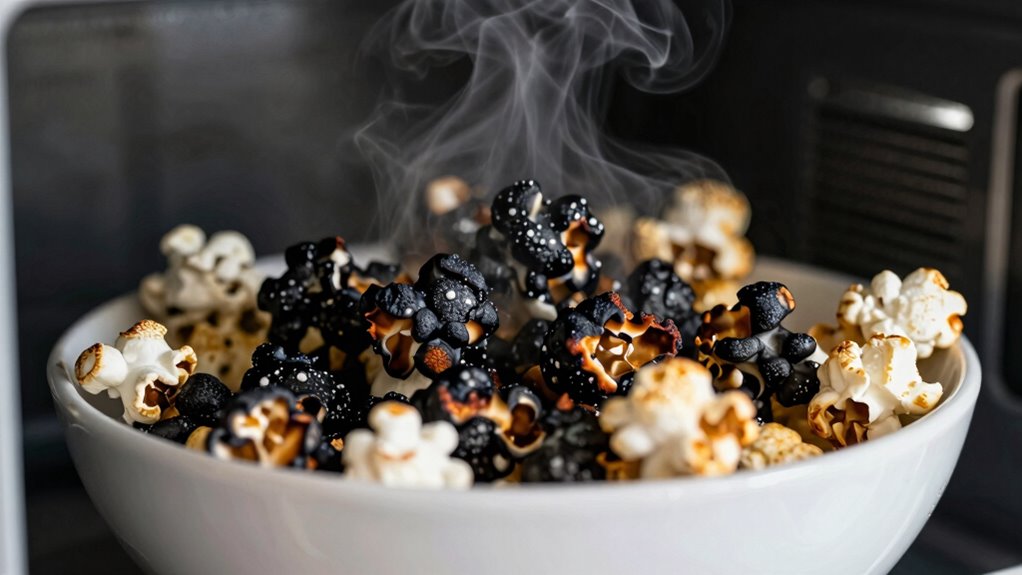
Even with careful timing and attention, sometimes popcorn still burns. If this happens, don’t panic. First, carefully open the microwave door and remove the popcorn to prevent further burning. Check the popcorn flavor; burnt smell can linger, so consider tossing out overly burnt pieces. To avoid ruining your microwave safety, unplug the microwave if you notice smoke or a burning smell. Ventilate the room by opening windows or turning on a fan. For next time, lower the cooking time slightly or use a microwave popcorn popper with built-in timers. Remember, burnt popcorn can affect the flavor of future batches, so take quick action to minimize damage and ensure your microwave stays in top condition.
The Ultimate Guide to Perfect Microwave Popcorn Every Time
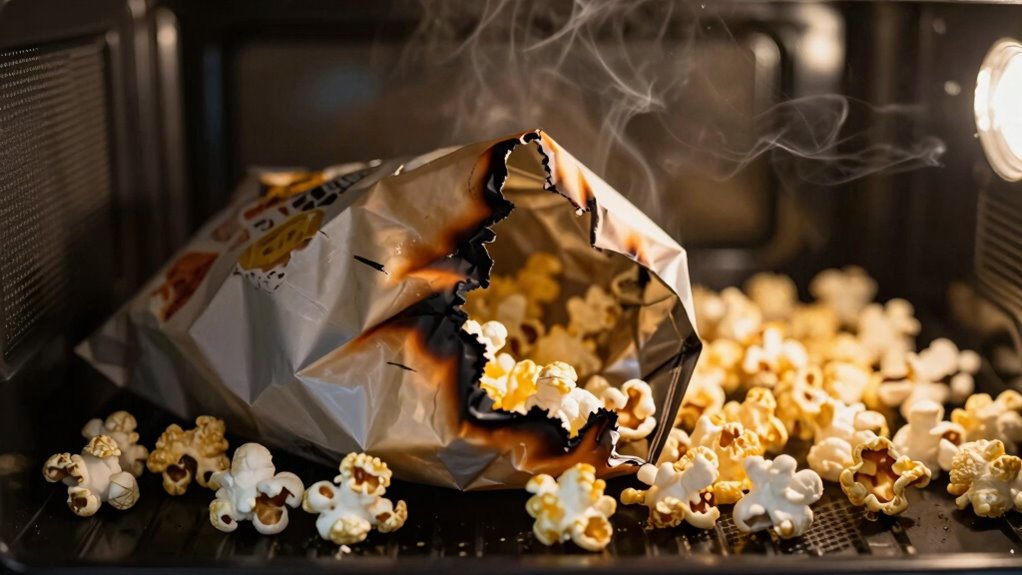
Achieving perfectly popped microwave popcorn every time is all about understanding the right techniques and timing. Start by selecting high-quality popcorn with your preferred popcorn flavor to enhance the snack. Always follow the package instructions carefully, but be prepared to adjust based on your microwave’s wattage. Use a microwave-safe bowl or bag, ensuring it’s compatible with microwave safety standards. Listen for the popping to slow down—about 2 seconds between pops—and then stop the microwave to prevent burning. Avoid overdoing it, as excessive heat can cause uneven popping or burning. Proper timing preserves the popcorn’s flavor and prevents burnt bits. With these tips, you’ll enjoy fluffy, flavorful popcorn every time without risking your microwave or sacrificing popcorn quality.
Frequently Asked Questions
Can Microwave Wattage Vary How Long Popcorn Should Be Cooked?
Yes, microwave wattage can affect how long you should cook popcorn. Higher wattage models cook faster, so you need to reduce the cooking time to prevent burning. The popcorn’s moisture content also impacts timing, as drier popcorn pops more quickly. Always check your microwave model’s wattage, and adjust the time accordingly. Experiment with small batches to find the perfect balance, ensuring your popcorn stays fluffy and delicious.
Do Different Popcorn Brands Require Different Cooking Times?
While it might seem subtle, different popcorn brands do call for slightly varied cooking times, especially considering their unique popcorn packaging and flavor variations. You should follow the instructions on each package, but keep an eye on the popping sounds and timing to prevent burning. Adjust your microwave power and duration accordingly, as some brands might need a bit more or less time to achieve perfect, fluffy popcorn without risking overcooking.
Is It Better to Use a Microwave Popcorn Button or Manual Timing?
You should probably avoid using the microwave popcorn button since it often isn’t tailored to your specific popcorn flavor or microwave safety. Instead, manually set the time, listening for the pops to slow down to prevent burning. This way, you gain better control, ensuring your popcorn cooks evenly and stays safe. Manual timing helps you enjoy perfect popcorn without risking overcooking or damaging your microwave.
How Does the Shape of the Microwave Affect Popcorn Popping?
The shape of your microwave affects popcorn popping by influencing the microwave cavity and popcorn chamber. A round cavity tends to distribute heat evenly, reducing hot spots that can burn popcorn, while a rectangular one might have uneven heat distribution. The shape impacts how heat circulates, so choosing a microwave with a well-designed popcorn chamber helps guarantee consistent popping without burning, giving you better, fluffier popcorn every time.
Can Adding Oil Influence the Burning Time of Microwave Popcorn?
Adding oil can influence the burning time of microwave popcorn by helping it cook more evenly, reducing the risk of scorching. Oil addition also enhances flavor, giving your popcorn a richer taste. Just be careful not to add too much, as excess oil can make it greasy and increase the chances of burning. With the right amount, oil improves both flavor and cooking consistency, making your popcorn perfect every time.
Conclusion
Remember, timing your microwave popcorn is both an art and a science. While you might worry about burning, rushing can leave you with unpopped kernels. Striking the right balance guarantees fluffy, delicious popcorn instead of a smoky mess. So, listen carefully, use the right power settings, and be patient. After all, the perfect bowl of popcorn isn’t just about speed—it’s about precision. Enjoy your snack, burn-free and perfectly popped every time.