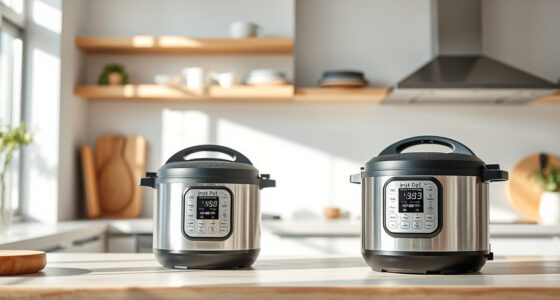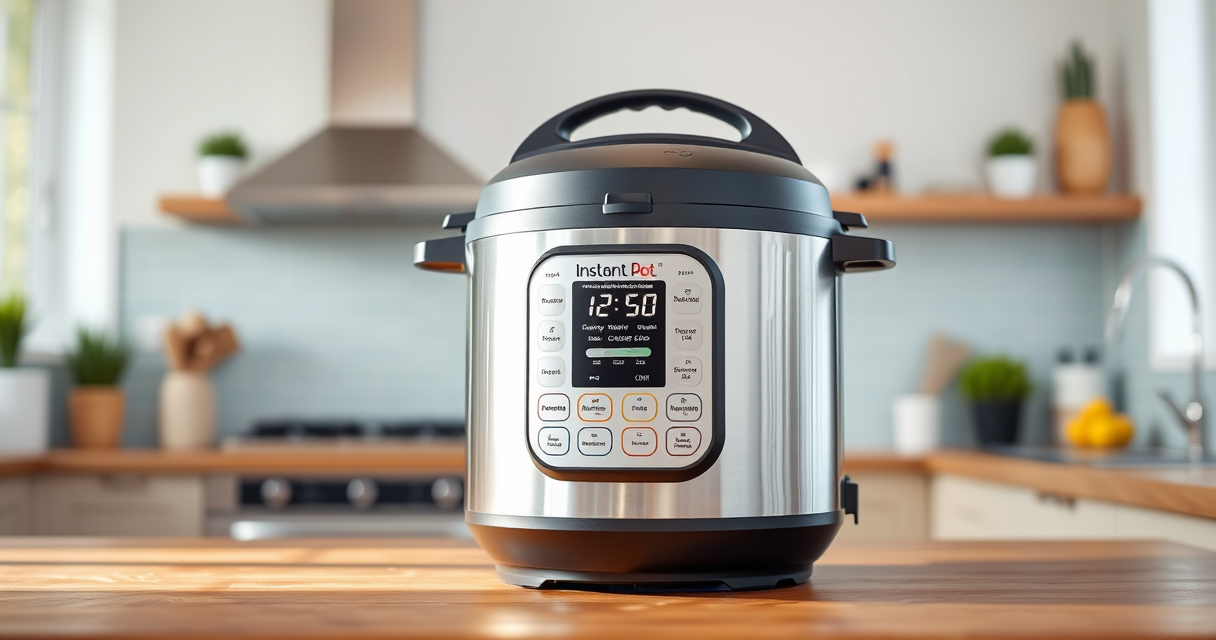

If your Instant Pot 4QT RIO Mini 7-in-1 Multi-Cooker keeps displaying the burn error, it can be frustrating and disrupt your meal prep. This guide provides clear, safe steps to troubleshoot and resolve this common issue, helping you get back to cooking quickly.

Get kitchen staples and gadgets delivered free with Prime
- Fast, free delivery on millions of items
- Prime Video, Amazon Music and more included
- Member-only deals all year
Burn errors typically happen due to food sticking to the bottom, insufficient liquid, or a clogged vent. Addressing these issues methodically can fix the problem and prevent future errors.
Key Takeaways
| Main Cause | Food sticking or insufficient liquid triggers burn error. |
| Cleaning | Proper cleaning of the inner pot and sealing ring can prevent errors. |
| Liquid Levels | Ensure enough liquid is added for pressure cooking. |
| Venting | Check that the steam vent and sealing ring are clear and properly fitted. |
| Maintenance | Regularly inspect and replace worn parts like the sealing ring. |
Step 1: Turn Off and Release Pressure
- Press ‘Cancel’ to stop cooking.
- Allow the pressure to release naturally or use quick release if safe.
Step 2: Open and Inspect the Inner Pot
Carefully open the lid once the pressure is released. Check the bottom of the inner pot for stuck food or residue. Clean thoroughly if needed.
Step 3: Check the Sealing Ring and Vent
- Ensure the sealing ring is correctly seated and not damaged.
- Clean the steam vent and surrounding area to remove any blockages.
Step 4: Add Adequate Liquid and Adjust Food Placement
Make sure there is enough liquid (at least 1 cup for most recipes) to generate steam and prevent burning. Layer thicker ingredients away from the bottom.
Step 5: Restart and Monitor
Close the lid securely, set the cooking program, and monitor the process. If the error persists, repeat the cleaning and check for worn parts.
The Products in This Guide

Instant Pot 4QT RIO Mini 7-in-1 Multi-Cooker
- ✔ Model: B0F9B923NC
- ✔ Color: Black
- ✔ Capacity: 4 Quarts

AOZITA Steamer Basket
- ✔ Capacity: Two-tier
- ✔ Material: Stainless Steel
- ✔ Color: Silver
Instant Pot 4QT RIO Mini 7-in-1 Multi-Cooker
The Instant Pot 4QT RIO Mini is a versatile and compact multi-cooker that offers 7 different cooking functions. It’s designed for small households and easy storage, making it a popular choice for quick, diverse meals.
Pros:
- 7-in-1 functionality
- Compact size
- Easy to clean
- User-friendly interface
Cons:
- Limited capacity for large families
- Burn error can occur with certain recipes
Best for: Small families, singles, and students seeking quick meals.
Not ideal for: Cooking large quantities or complex recipes that require more liquid.
Bottom line: A compact, multifunctional cooker ideal for small households with straightforward troubleshooting steps for burn errors.
AOZITA Steamer Basket
The AOZITA Steamer Basket is a practical accessory that helps you cook multiple ingredients simultaneously, reducing the risk of burning by keeping foods elevated from the bottom of the pot.
Pros:
- Two-tier stackable design
- Made of stainless steel
- Fits 6 and 8-quart models
- Easy to clean
Cons:
- Adds extra cleaning step
- Requires space in the pot
Best for: Cooking vegetables, seafood, and multiple dishes at once.
Not ideal for: Single ingredient cooking or minimal space needs.
Bottom line: A versatile steamer basket that improves cooking efficiency and reduces burn errors by preventing food from sticking to the bottom.
Frequently Asked Questions
Why does my Instant Pot keep giving a burn error?
Common causes include food sticking to the bottom, insufficient liquid, or a clogged vent. Proper cleaning and ingredient placement can prevent this.
How can I prevent burn errors in the future?
Ensure enough liquid is added, avoid thick sauces or ingredients that tend to stick, and keep the sealing ring and vent clean.
Is it safe to keep using my Instant Pot after a burn error?
Yes, but it’s best to troubleshoot and fix the underlying issue to prevent potential damage or safety hazards.
When should I replace the sealing ring?
Replace the sealing ring if it becomes cracked, permanently discolored, or no longer seals properly, usually every 12-18 months.
Get Back to Cooking with Confidence
Addressing a burn error on your Instant Pot can be straightforward if you follow these steps. Regular maintenance and proper ingredient placement help prevent future issues, ensuring your multi-cooker remains a reliable kitchen companion. Always prioritize safety and routine checks for optimal performance.
Affiliate disclosure: As an Amazon Associate we earn from qualifying purchases. Prices and availability are accurate as of the time of publishing.
Halloween Picks
halloween
As an affiliate, we earn on qualifying purchases.